What Is a Canonical Tag? How to Use rel=canonical (2026 Guide)
Summarize with AI
Let AI read this article and summarize the key points for you.
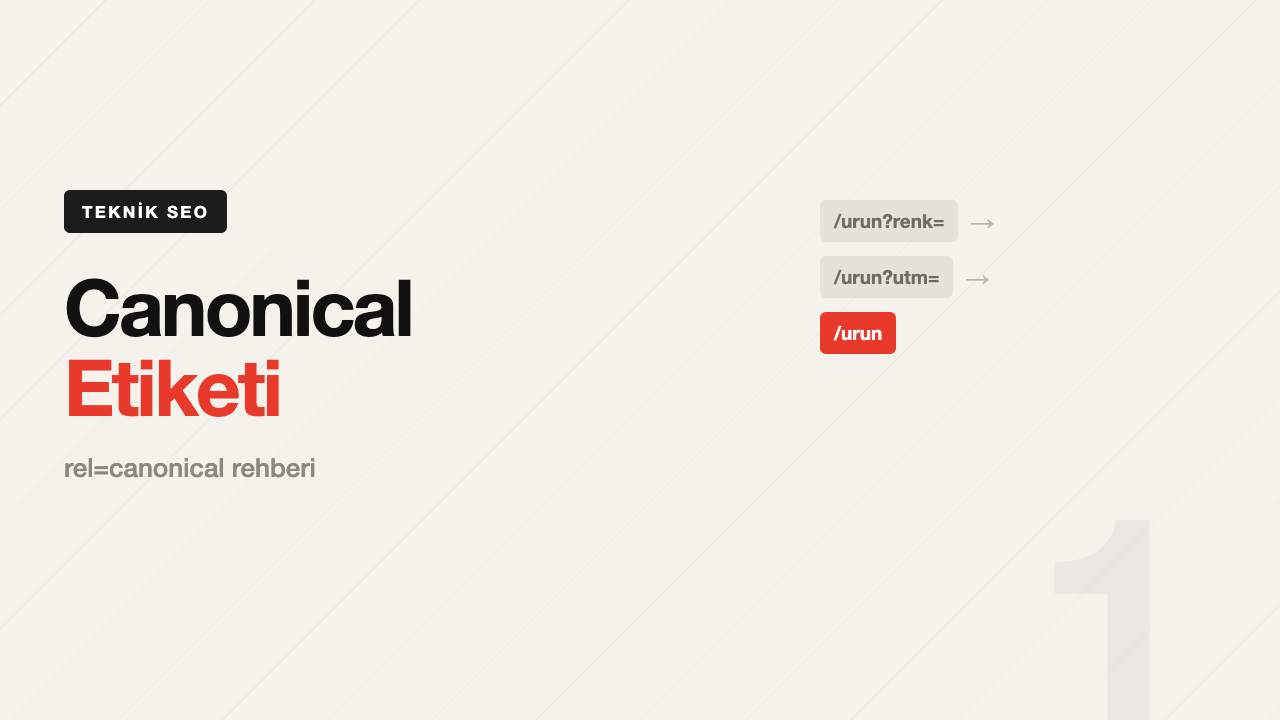
On an e-commerce site, the same product can open at four different addresses:
/product/red-tshirt
/product/red-tshirt?color=red
/product/red-tshirt?utm_source=instagram
/category/tshirt/red-tshirt
To a human, they're all the same page. To Google, they're four separate pages. The result: the link equity you've earned gets split four ways, your crawl budget gets spent crawling the same content four times, and Google decides on its own which version to show.
The canonical tag exists to solve exactly this problem.
What Is a Canonical Tag?
rel="canonical" is an HTML tag that tells search engines which version is the original among identical or near-identical pieces of content. It goes in the page's <head>:
<link rel="canonical" href="https://yoursite.com/product/red-tshirt" />
When Google sees this tag, it tries to consolidate the signals from duplicate versions — links, clicks, relevance — onto the original address you specified, and shows that address in search results.
The most important thing to know: a canonical isn't a command, it's a strong suggestion. Google can ignore it — we cover exactly when below.
When Should You Use a Canonical Tag?
| Situation | Example | Canonical target |
|---|---|---|
| URL parameters | ?utm_source=, ?sort=price | The clean URL without parameters |
| Same product listed under multiple categories | /shoes/x and /sale/x | The main product page |
| www / non-www, http / https | http://site.com and https://www.site.com | The single version you've chosen to standardize on |
| Print version | /article?print=1 | The regular article page |
| Pagination (page 1) | /blog?page=2 | Itself — not page 1 |
| Content republished elsewhere | A post you syndicated to Medium | The original on your own site |
The pagination row matters most: canonicalizing /blog?page=2 to /blog means the content on page two never gets indexed at all. Paginated pages should carry a canonical that points to themselves.
Rules for Correct Usage
1. Every page should canonical to itself. Even pages with no duplication problem should carry a self-referencing canonical. It's insurance against parameterized versions that get generated later.
2. Use absolute URLs. Not /product/x, but https://yoursite.com/product/x. Relative paths can be misinterpreted.
3. Only one canonical per page. If a page carries more than one canonical tag, Google ignores all of them.
4. The target must return a 200. If the address you're canonicalizing to is a 404, a 301, or noindex, the tag is invalid.
5. Keep protocol and subdomain consistent. If you use https://www., your canonical should say the same — small inconsistencies are enough for Google to disregard the tag.
6. Never combine canonical with noindex on the same page. That sends a contradictory signal: you can't say "don't index this page" and "pass its value over there" at once.
Canonical vs. Redirect vs. Noindex
Confusing these three is one of the most common technical SEO mistakes:
| Tool | What the user sees | When to use it |
|---|---|---|
| 301 redirect | Lands on the target page | The page has permanently moved |
| rel=canonical | Stays on the page | Both versions need to stay accessible |
| noindex | Stays on the page | The page should never appear in the index |
The decision rule is simple: does the user need to stay on that page? If yes, canonical. If no, 301.
Filtered product listings, for example, are necessary for users (they browse by filtering) but don't need to be indexed — canonical is the right tool there. If you're merging an old blog post into a newer one, the user doesn't need to stay on the old page — 301 is the right tool. Getting this distinction wrong is also a common cause of keyword cannibalization.
When Does Google Ignore Your Canonical?
If you see the "Google chose a different canonical than user" warning in Search Console, your tag has been overridden. The main reasons:
- The pages aren't similar enough. A canonical can't be used to merge genuinely different content.
- Your sitemap lists the duplicate version. A URL included in a sitemap sends a strong "this matters" signal that contradicts the canonical.
- Your internal links point to the duplicate. You're telling Google "A" via the tag, but if every internal link on your site points to "B," Google trusts the behavior over the tag.
- There's a conflict with hreflang. On multilingual sites, hreflang and canonical need to agree.
- There's a canonical chain. If A → B → C is set up, Google may not follow it all the way through.
In short, Google weighs what your whole site says, not just what the tag claims. Without internal links and sitemap entries backing it up, a canonical tag on its own stays weak.
Canonical on Multilingual Sites
The most common mistake on sites using hreflang is canonicalizing every language version to a single language. That causes the other languages to fall out of the index.
The correct approach: each language version canonicals to itself, and hreflang tags point to one another.
<link rel="canonical" href="https://yoursite.com/en/product" />
<link rel="alternate" hreflang="en" href="https://yoursite.com/en/product" />
<link rel="alternate" hreflang="tr" href="https://yoursite.com/tr/urun" />
How Do You Check It?
For a single page: right-click → View Page Source → search for canonical. Or in the browser console:
document.querySelector('link[rel="canonical"]')?.href
Site-wide: in Google Search Console, the Pages report's "Duplicate, Google chose different canonical than user" and "Alternate page with proper canonical tag" rows show exactly this. Pages under the first line need urgent review.
In the URL Inspection tool, each page shows both the user-declared canonical and the Google-selected canonical separately. If they differ, you have a problem. We walk through these reports screen by screen in our Search Console guide.
The Eight Most Common Mistakes
- Canonicalizing every page to the homepage. The whole site drops out of the index. A common template bug.
- Canonicalizing paginated pages to page 1. Content past page 2 never gets indexed.
- The canonical target is noindex. A contradictory signal; Google may ignore both.
- Using relative URLs. Especially risky on staging environments, where it can end up pointing to the wrong domain.
- Building a canonical chain. Instead of A→B→C, everything should point directly to C.
- Injecting it with JavaScript after the fact. Having it in the server-rendered HTML is the safest bet.
- Leaving duplicate URLs in the sitemap. A sitemap should only contain canonical URLs.
- Sharing UTM-tagged addresses and reusing them as internal links. Campaign URLs are for external use, not for linking within the site.
Frequently Asked Questions
Does a canonical tag directly boost my rankings?
It's not a direct ranking factor. But because it consolidates scattered signals onto a single address, it can create a noticeable indirect improvement — especially on e-commerce sites generating large numbers of parameterized URLs.
Will I get penalized for duplicate content?
Google doesn't apply a separate penalty for on-site duplicate content. The problem isn't a penalty, it's dilution: value gets spread across multiple addresses. Duplication at a manipulative scale is a different issue, covered under black hat techniques.
Can a canonical be set via HTTP header?
Yes. For non-HTML files like PDFs, the Link: <https://...>; rel="canonical" HTTP header is used.
Will the page I canonicalized away from still get indexed?
It can. If Google ignored the canonical, or the pages weren't similar enough, both can stay in the index. If you want a page kept out of the index entirely, use noindex.
Related Articles:
Automate Your SEO
Find technical SEO errors with one click and skyrocket your organic traffic.
Automate Your SEO
Find technical SEO errors with one click and skyrocket your organic traffic.